
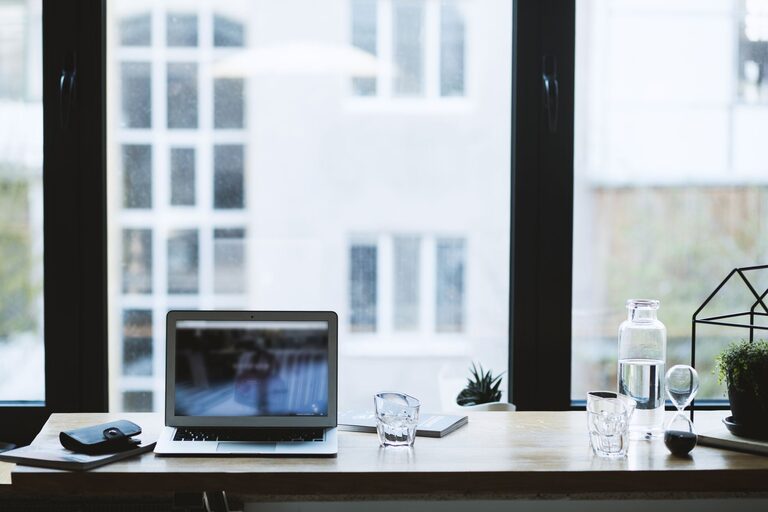
Creating a comfortable and productive home office space is essential for anyone working remotely or spending significant time at home on tasks. The right environment can help you stay focused, reduce stress, and maintain a healthy work-life balance. In this guide, we’ll explore practical tips and ideas to help you design a home office that supports your best work.
Choose the Right Location
When setting up a home office, location is key. Consider the following:
– Quiet and Private: Pick a spot with minimal distractions, away from high traffic areas or noisy appliances.
– Natural Light: If possible, choose a room or corner near a window. Natural light boosts mood and reduces eye strain.
– Separate from Living Areas: Having a clear distinction between work and personal space helps maintain balance and focus.
Invest in Ergonomic Furniture
Comfort plays a huge role in productivity. Ergonomic furniture helps prevent discomfort and injury during long work hours.
– Desk: Select a desk that fits your space and has enough room for your computer, notebook, and other essentials.
– Chair: Choose an adjustable chair with good lumbar support to maintain proper posture.
– Keyboard and Mouse: Consider ergonomic versions to reduce strain on your wrists.
Organize Your Workstation
A clutter-free space can improve concentration and efficiency.
– Storage Solutions: Use shelves, filing cabinets, or organizers to keep documents and supplies tidy.
– Cable Management: Use cable clips, sleeves, or ties to manage cords and prevent tangling.
– Minimalist Setup: Keep only the items you need on your desk to avoid distractions.
Optimize Lighting
Good lighting is crucial for a comfortable workspace.
– Task Lighting: Use desk lamps or adjustable lights to brighten your work area without glare.
– Adjust Brightness: Avoid overly harsh lighting; soft, warm light is easier on the eyes.
– Screen Positioning: Position monitors to reduce reflections from windows or lights.
Incorporate Personal Touches
Adding personal elements can make your office more inviting and motivating.
– Plants: Indoor plants improve air quality and create a calming atmosphere.
– Artwork or Photos: Choose items that inspire you without cluttering your space.
– Colors: Use paint or accessories in colors that promote focus and creativity, such as blues and greens.
Maintain Good Air Quality and Temperature
Comfort isn’t just about furniture and lighting; the environment matters as well.
– Ventilation: Ensure your workspace has good airflow to keep the air fresh.
– Temperature Control: Use fans, heaters, or air conditioners to keep a comfortable temperature year-round.
– Air Purifiers: They can help reduce allergens and improve concentration.
Set Up Technology Efficiently
Technology support can make your work smoother and less frustrating.
– Reliable Internet: A stable and fast internet connection is essential.
– Monitor(s): Depending on your tasks, multiple screens might improve productivity.
– Accessories: Consider headsets, webcams, or printers that fit your needs.
Establish Boundaries and Routine
Creating physical and mental boundaries ensures your home office serves its purpose.
– Workspace Rules: Inform family or housemates about your work hours and space.
– Regular Breaks: Incorporate short breaks to stretch and rest your eyes.
– End-of-Day Routine: Organize your desk and shut down your computer to signal the end of work.
Final Thoughts
Designing a home office space that is both comfortable and productive doesn’t have to be complicated. By carefully choosing your location, investing in ergonomic furniture, organizing thoughtfully, and paying attention to lighting and air quality, you can create a workspace that supports your well-being and efficiency. Remember, personalization and clear boundaries are just as important as the physical setup. Take time to adapt your space to your unique needs and preferences, and you’ll enjoy a more satisfying work-from-home experience.